
Cerebri
Turn any PDF, photo, or lecture recording into flashcards — entirely on your iPhone or iPad.
$6.99 once · No subscription
Turn any PDF, photo, or lecture recording into flashcards — entirely on your iPhone or iPad.
The same app on both — one purchase covers iPhone and iPad.
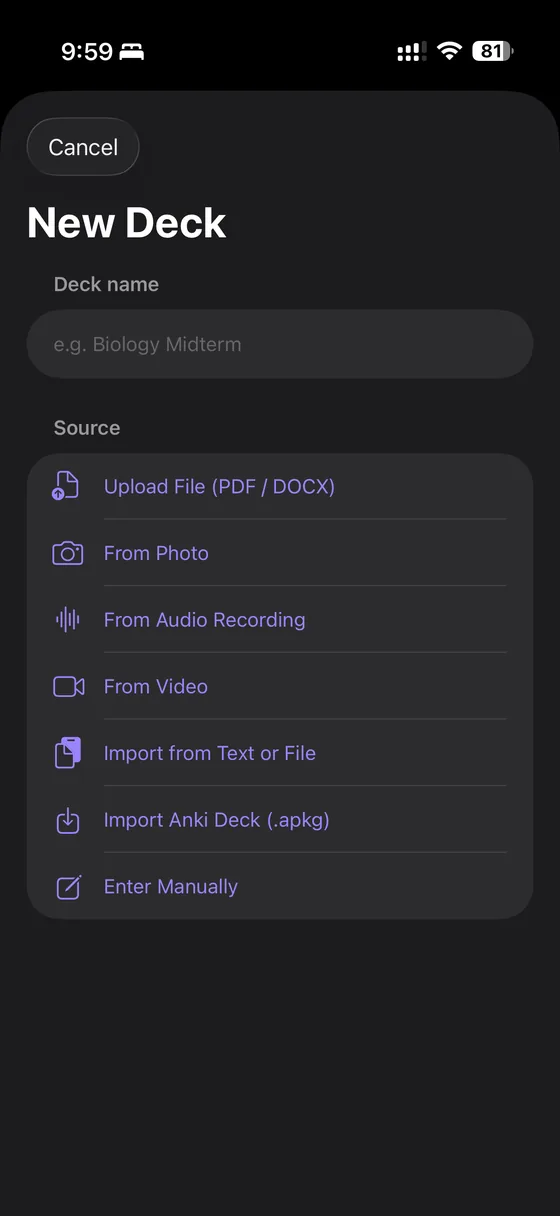
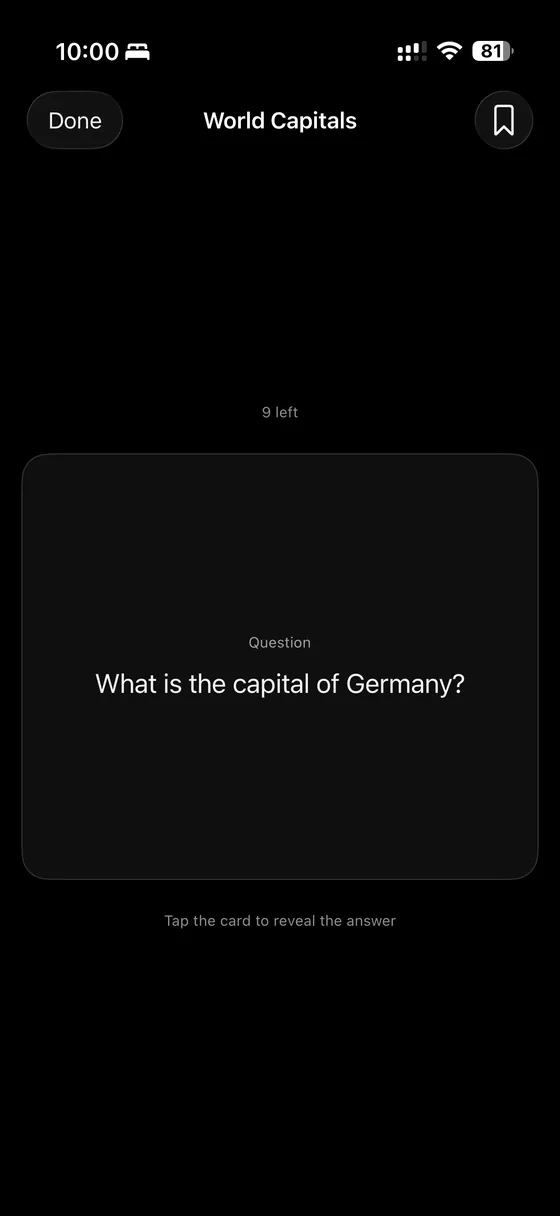
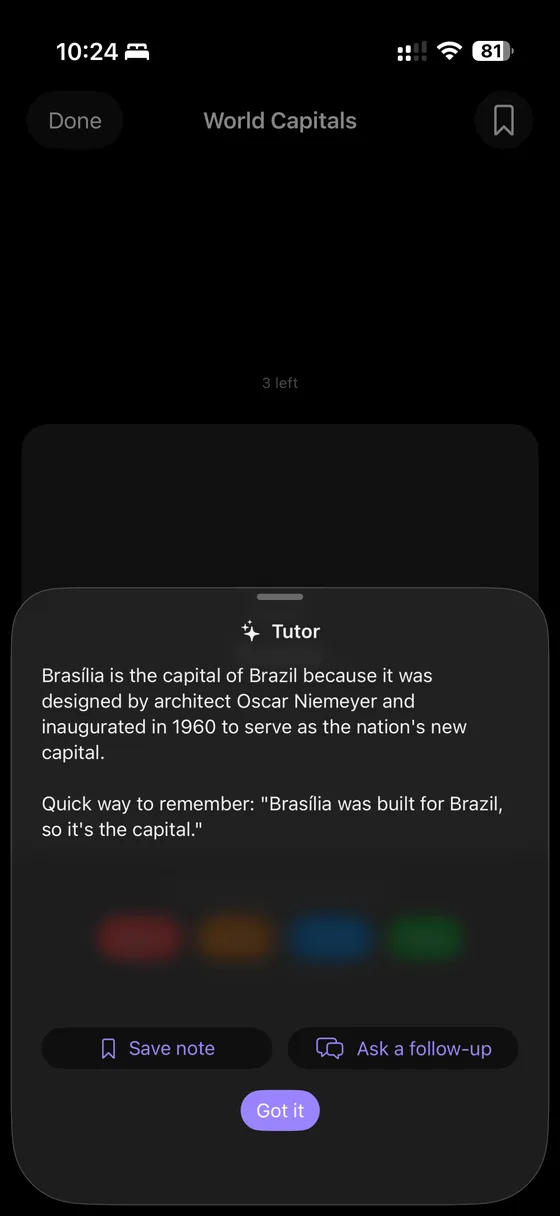
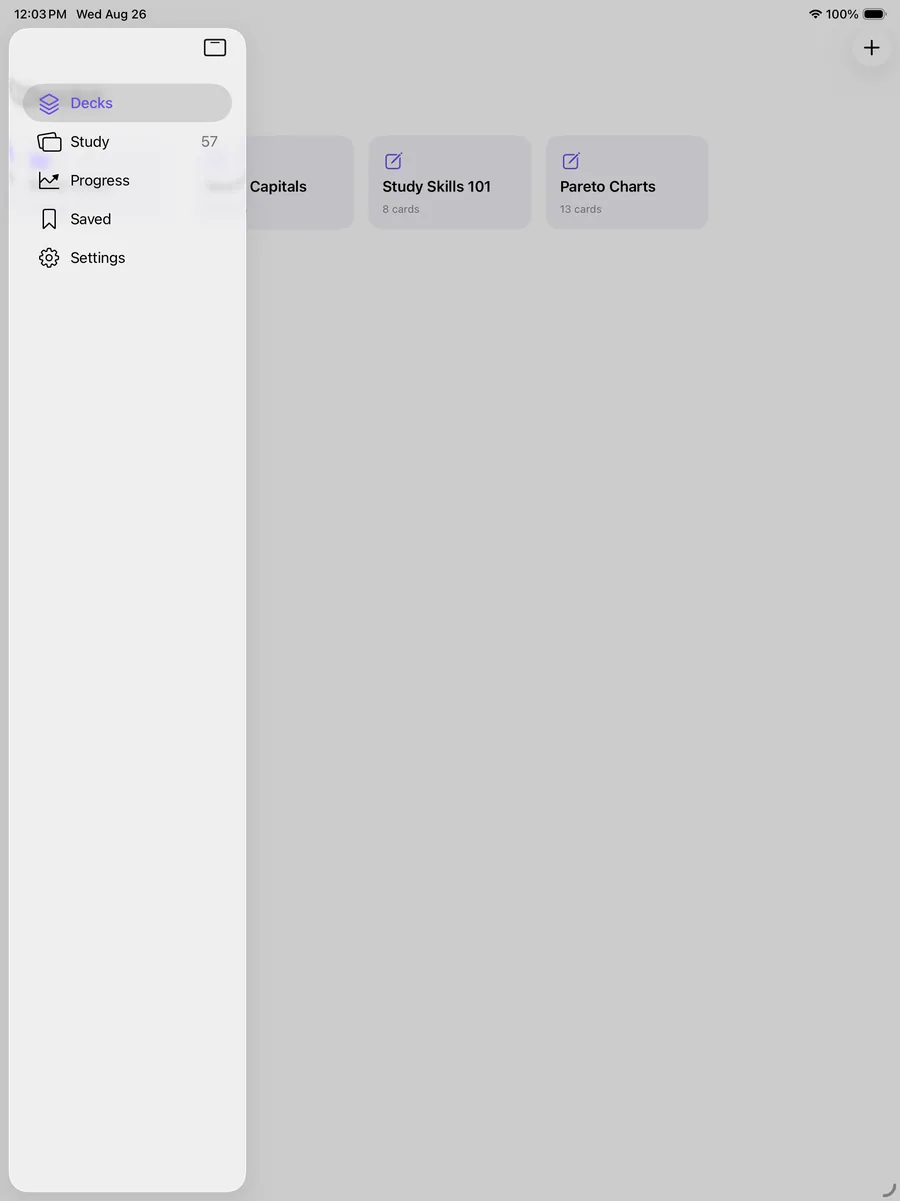
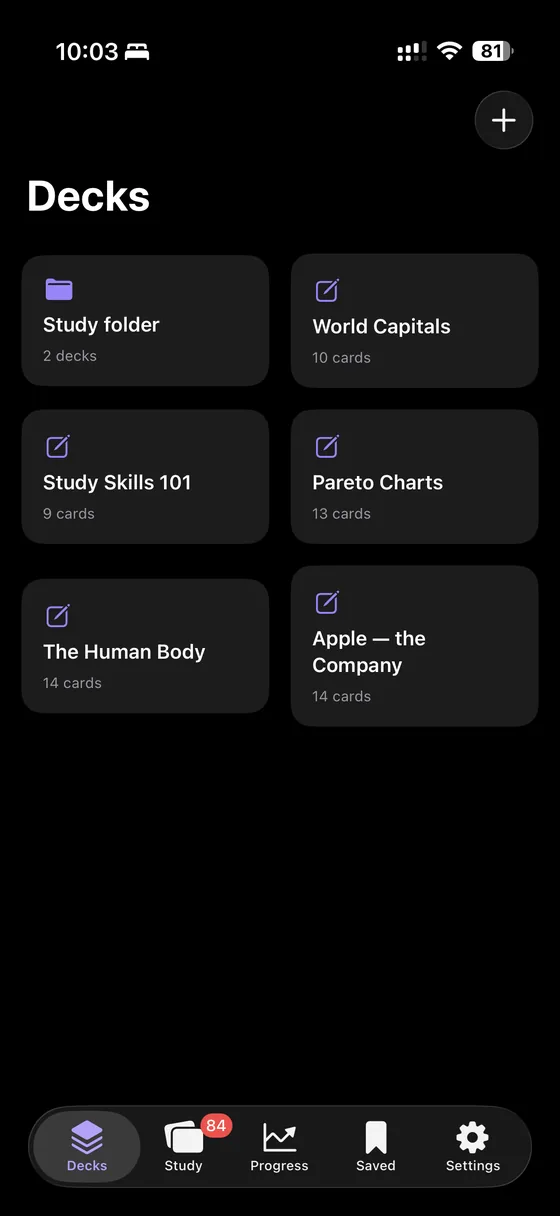
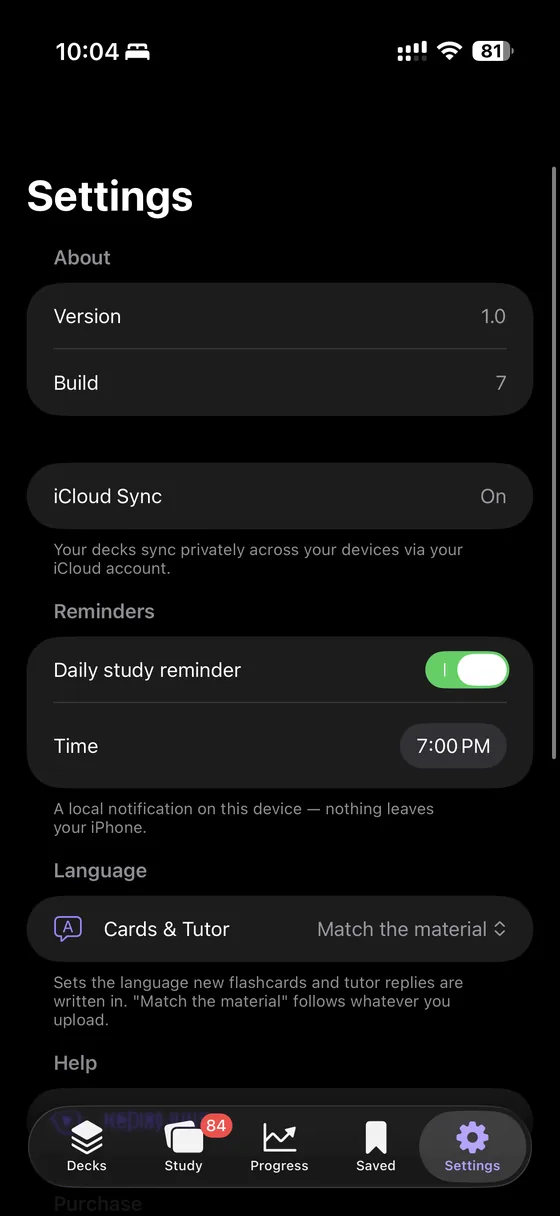
Scroll for more →
Folded, Cerebri works just like it does on any iPhone. Unfolded, your library and the open deck sit side by side.
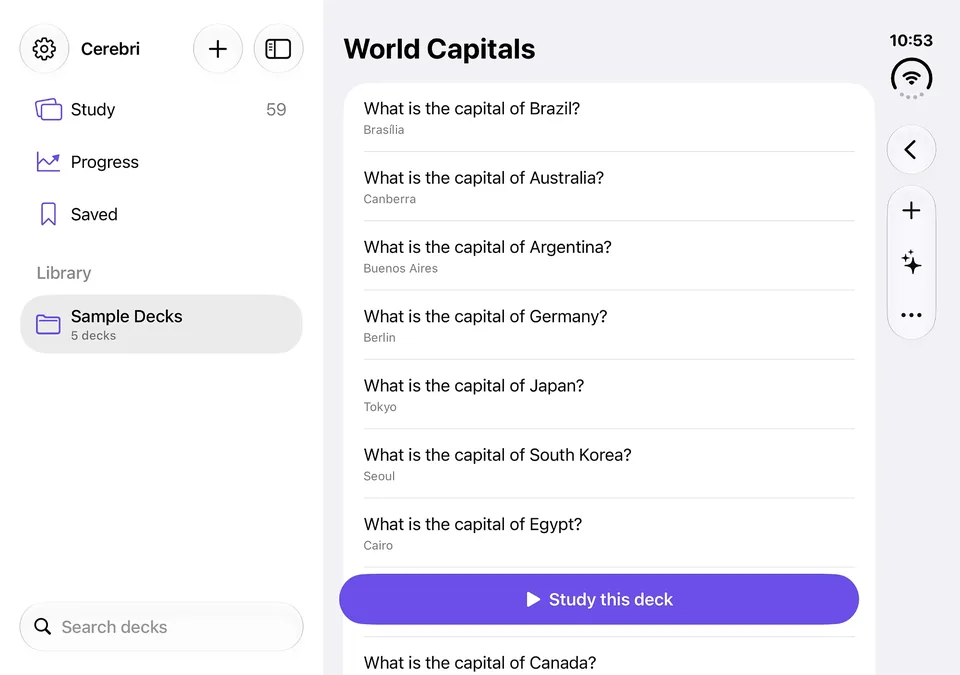
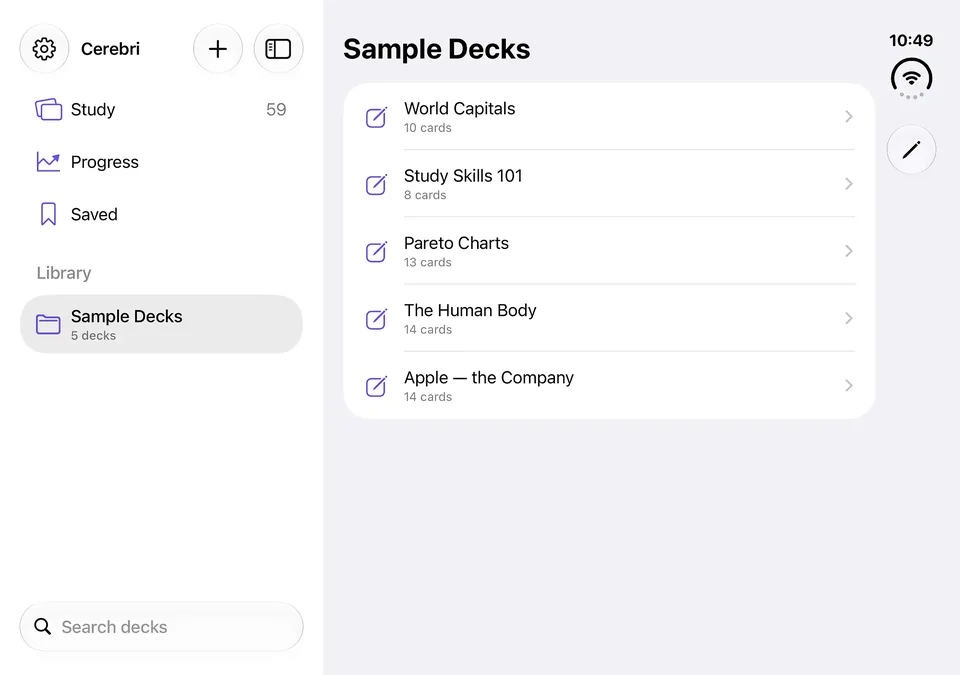
Every other AI flashcard app uploads your notes to a server. Cerebri doesn't have one.
There is no Cerebri server. Flashcard generation, the AI tutor, handwriting recognition and lecture transcription all run on your device using Apple Intelligence. Nothing you import is uploaded — not your notes, not your recordings, not your questions.
No account. No tracking. No analytics. Works fully offline.
PDFs and Word docs, photos of handwritten notes, or a recording of the whole lecture. All converted on-device.
The proven SM-2 algorithm schedules each card just before you'd forget it. Skip what you know.
Miss a card and get a clear explanation instantly. Go deeper with a tutor that knows your whole deck — unlimited, no per-question fees.
Export any deck to Quizlet, Anki, or a printable PDF — with your saved tutor explanations printed under each answer.
One payment unlocks everything, permanently. No subscription, no per-scan fees, no AI usage limits.
| Free | $6.99 one-time |
|---|---|
| Unlimited decks and manual cards Card-flip study PDF & Word → flashcards Tutor explanation on every missed card Export to Quizlet, Anki, CSV and PDF |
Spaced repetition scheduling Photos → flashcards Audio & video → flashcards Unlimited deck-wide tutor chat |
Questions, bugs, or feature requests — email and I'll get back to you.
| Requirement | Detail |
|---|---|
| iOS version | iOS 26 or later |
| AI features | Require a device with Apple Intelligence (iPhone 15 Pro or newer). On other devices, manual card creation and study work normally. |
| Sync | Optional, through your own private iCloud account. |